About this block
The ContactBannerBlock is a dedicated contact prompt component. It renders a heading, an optional image and a button that routes the user to the appropriate contact form or team, pre-filtered by business unit and topic. Use it at the end of product and solution pages to turn page engagement into an enquiry.
Typical placement
- End of product detail pages — the final CTA before the footer
- End of solution/segment landing pages
Tips
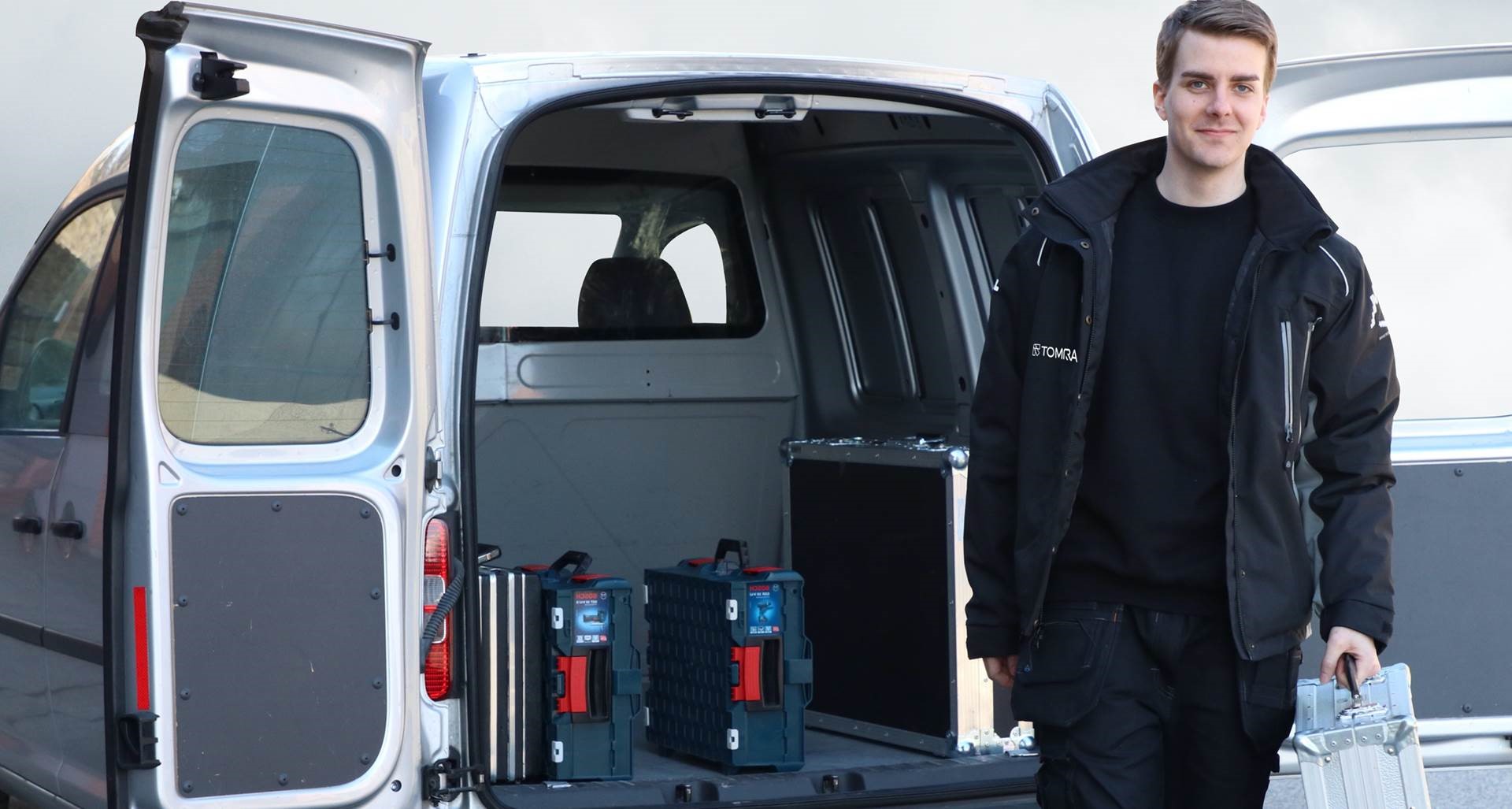
- Use an image of a person or team rather than a machine — it makes the block feel approachable
- Make the ButtonText specific: “Book a Test Centre Visit” converts better than “Contact Us”